
Your menu, your customers, your margin.
Commission-free pickup & delivery ordering
Take pickup and delivery orders on your own website. Orders go straight to your kitchen, card payments go to your own account, and the app commissions stop.
Price
$795 setup + $45/mo
Fixed and written into your proposal before any work starts. No hourly surprises, no long-term contract.
Add this to a full estimate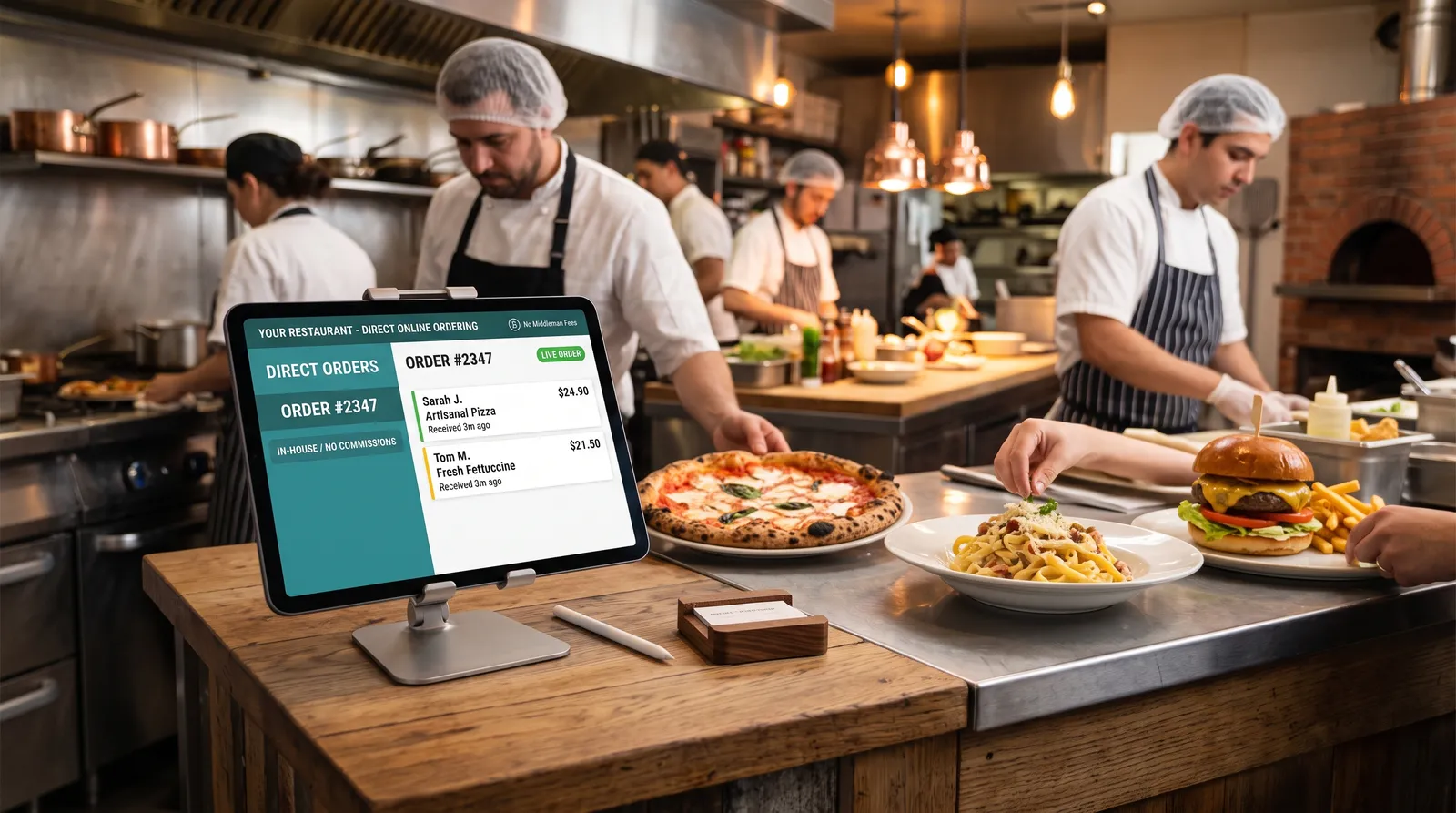
How it works
A customer builds an order from your live menu and pays by card. The money goes to your own account, and the order lands on your kitchen tablet.
Your menu
- Build an order
- Pickup or delivery
- Pay by card
Paid to you
Straight to your own account
- New orderNEW
- Confirmation sent to the customer
What it is
In plain words.
Delivery apps are good at one thing: being found. They are expensive at another: keeping the customer. They charge a commission on every order, commonly somewhere between 15% and 30% depending on the plan, and the customer's details stay with them. This add-on puts an ordering page on your own website, so the people who already know you can order from you directly.
A customer opens your site, builds an order from your live menu, chooses pickup or delivery and pays by card. The order appears on a kitchen tablet, they get a confirmation, and the money goes into your own merchant account. You pay only the normal card-processing fee.
A good fit if
- Restaurants, cafés, bakeries and food trucks that already get orders by phone or through delivery apps.
- Places with regulars: the easiest orders to move off an app are the ones from people who already like you.
- Anyone who wants the customer's email address and phone number to keep, not rent.
Probably not for you if
- You want someone else to provide the drivers. This add-on takes and organizes the order; delivery stays yours to run, with your own drivers or a courier you choose, and pickup needs no driver at all.
- Your kitchen is already at its limit at peak times. We can cap orders per pickup window, but the capacity has to exist.
We'd rather tell you so than sell you something that doesn't fit.
What you get
Exactly what's included.
Your menu, online
Sizes, options, add-ons and notes, kept up to date by you, with the photos you provide.
Pickup and delivery checkout
Customers choose pickup or delivery and a time, and pay by card. Delivery can use your own area and fee.
Orders to your kitchen
A tablet view so a new order can't be missed, with an alert when one arrives.
Order limits and a pause button
Cap how many orders each pickup window takes, and stop ordering for the night in one tap.
Confirmations
The customer gets an email or text with their order and pickup time.
A hands-on walk-through
We place test orders with you so you and your staff know exactly what the kitchen will see.
How it goes
We set up your menu
We load your menu with prices, options and photos, and connect the payment account in your name.
You test it with real orders
We place orders together until the kitchen view feels natural.
You launch it
The ordering page goes live on your site, and we help you tell your regulars where to find it.
Why it's worth it
What it does for you.
You keep the commission
Every order that comes through your own site skips the app's commission. You pay only card-processing fees.
You own the customer
Names, emails and order history are yours, so you can invite regulars back without paying to reach them.
Fewer mistakes
Orders arrive typed, not shouted over a noisy phone, so there is less to mishear.
It works while you cook
People can order at 2 a.m. for tomorrow, and the phone rings less during the rush.
- A percentage of every order is a cost that grows as you do. A flat monthly fee doesn't.
- The customer list you build is worth something the apps will never hand you.
Run your own numbers
Example figures. Change them to yours.
Put in what the delivery apps take from you today. These are example numbers: change them to your own.
Check a recent statement: the percentage depends on the plan.
Regulars and repeat customers are the easiest to move.
- Commission you stop payingon $2,000 of orders a month
- $600
- Card processing on those ordersestimated at 3%, a round number typical of card fees
- −$60
- This add-on's monthly fee
- −$45
Net each month
$495
That would repay the $795 setup in about 1.6 months, and about $5,940 a year after that.
What this assumes
- Card fees vary by processor; 3% is an estimate.
- The orders you move are ones you would have received anyway. This does not assume any new orders.
The practical bits
What it takes.
What we need from you
- Your menu with prices, and photos of your best dishes if you have them.
- Your hours, your pickup instructions and, for delivery, the area you'll deliver to.
- A merchant account to take card payments in your name (we'll help you set one up if you don't have one).
- A tablet or any device in the kitchen to see orders on.
How long it takes
Usually two to three weeks once we have your menu and payment details. The exact dates go in your proposal.
Timelines are typical. The dates for your project go in your proposal.
What the monthly fee covers
The monthly fee keeps the ordering system hosted, updated and secure, and covers help from the person who built it when you need a change.
Questions
Likely questions, answered.
Do I have to leave the delivery apps?
No. Many places keep a listing to be found by new customers and use their own ordering page for everyone who already knows them. Putting your own ordering link on receipts, menus and your Google Business Profile steers repeat customers to the page where you keep the whole sale.
Who delivers the food?
You do: your own drivers, or a courier you already work with. This add-on takes and organizes the order; it does not supply drivers. Plenty of customers prefer pickup, which needs no driver.
How do customers pay, and when do I get paid?
They pay by card at checkout. The payment goes to your own merchant account and arrives on that processor's normal payout schedule. We never hold your money.
What if the kitchen gets overwhelmed?
You can limit how many orders each pickup window accepts, push pickup times out, or pause ordering altogether with a tap.
Can it print tickets?
Orders appear on a kitchen tablet. If you'd like a printed ticket, tell us what printer you have and we'll tell you honestly whether it can be connected.
Does it work with my POS?
It depends on the POS. Our POS integration add-on keeps menu and orders in sync with Square, Clover or Toast.
What does Commission-free pickup & delivery ordering cost?
$795 setup + $45/mo. The price is fixed and written into your proposal before any work starts, so there are no hourly surprises. If you ask for something that isn't in the proposal, we quote that change first and nothing changes until you agree.
Do I own it?
You own what we build for you: the code, the content, and the accounts it runs on (the domain, the hosting account and any service account, such as a payment account, are opened in your name). There is no proprietary platform to be locked into and no cancellation penalty.
Can you add it to the website I already have?
Add-ons are built into a ZONA site. If you already have a site, tell us what it's built with when you get in touch. We'll tell you honestly whether this can be added to it or would work better built into a new one. We'd rather say so than sell you something that doesn't fit.
How do I get started?
Use the button on this page to add it to your project, or send a message. A discovery call takes about fifteen minutes (no pitch deck), and then you get a fixed-price proposal. You'll hear back within one business day.
Is there a long-term contract?
No long-term contracts is our standing rule: care plans are month to month, and any monthly terms for an add-on go in writing in your proposal before you sign anything.
Pairs well with